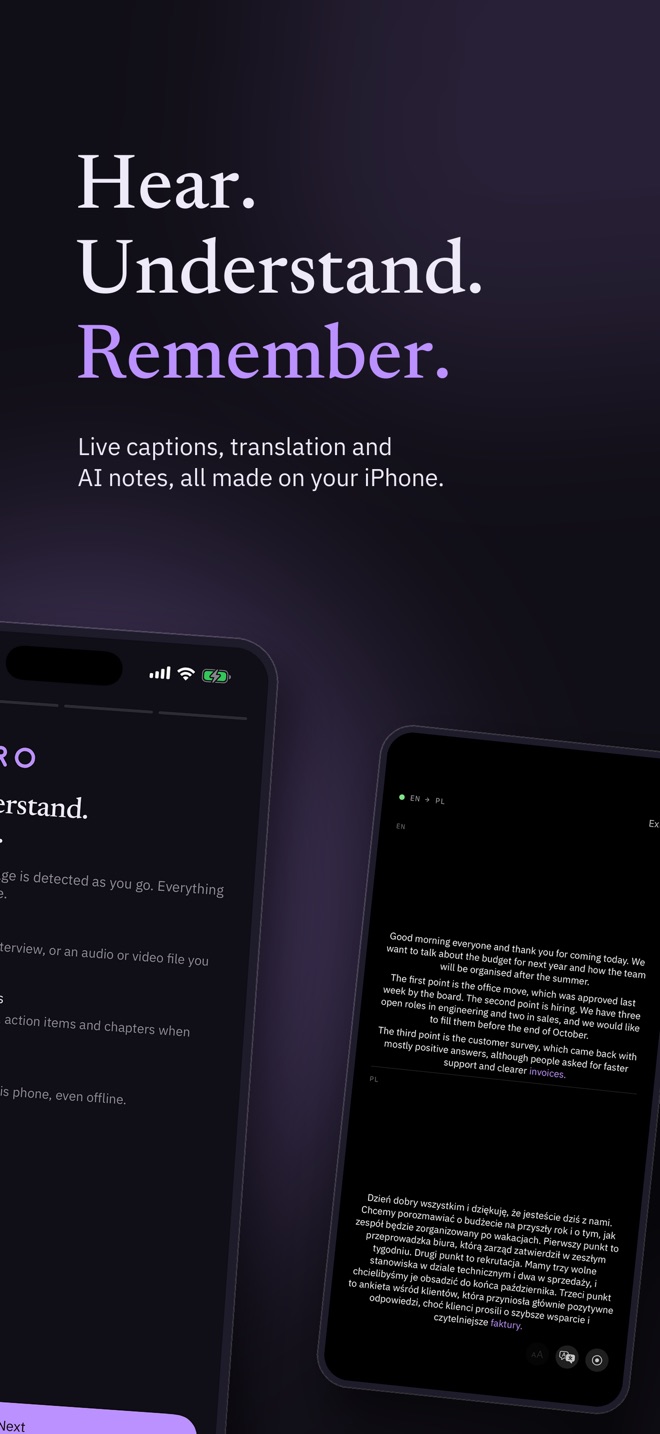
Hear.
Understand.
Remember.
Voice recorder that transcribes and translates on the phone itself, without an internet connection and without an account. Once the speech model is on the phone, airplane mode changes nothing.

 Download
for iPhone
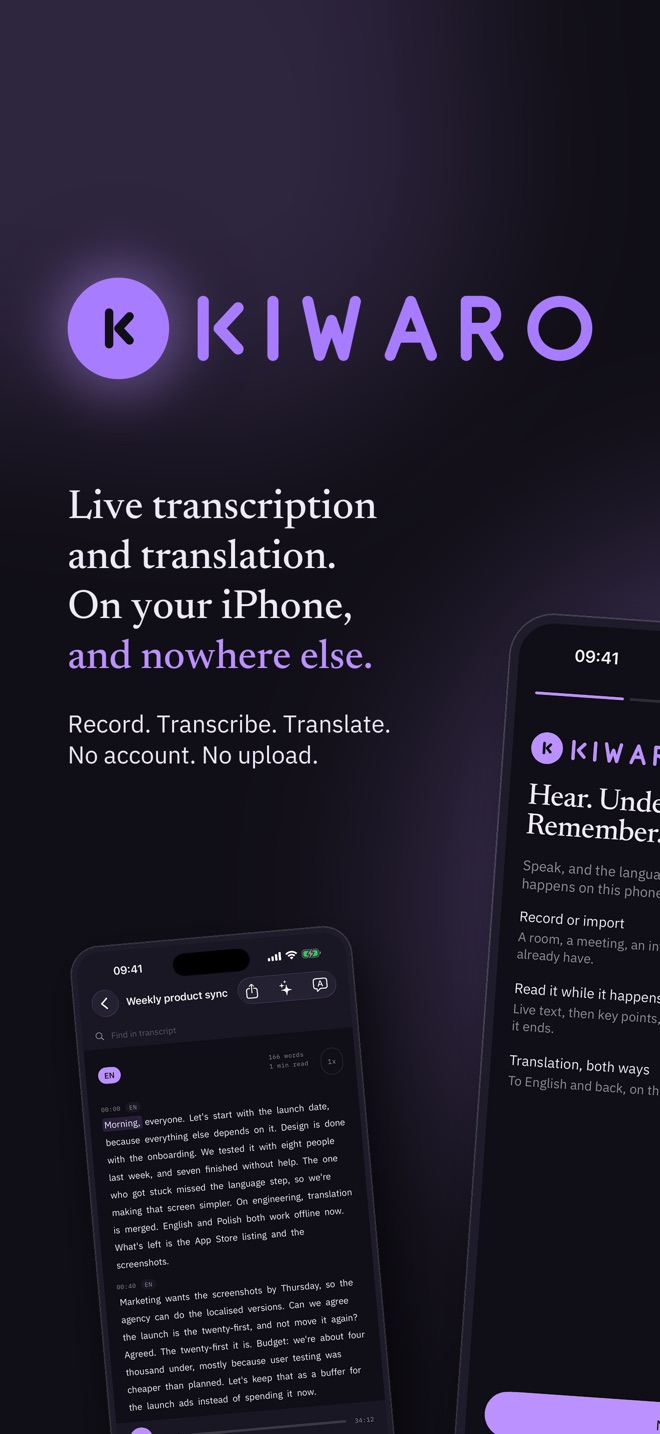
See it work, in thirty seconds.
Record
One tap. Lectures, interviews, or a meeting with the phone on the table.
Transcribe
Speech becomes timestamped text on your device. No server, no queue, works on a plane.
Understand
Summaries, translation, and answers to your questions, taken from what was said.
Record the room, not just yourself.
One button. The phone picks up a lecture hall, a podcast playing across the room, or a meeting around a table. Meeting mode sets up for a room or a call on speaker, with a consent line to say aloud first.
Long recordings are fine, and the timer keeps running when the screen locks.
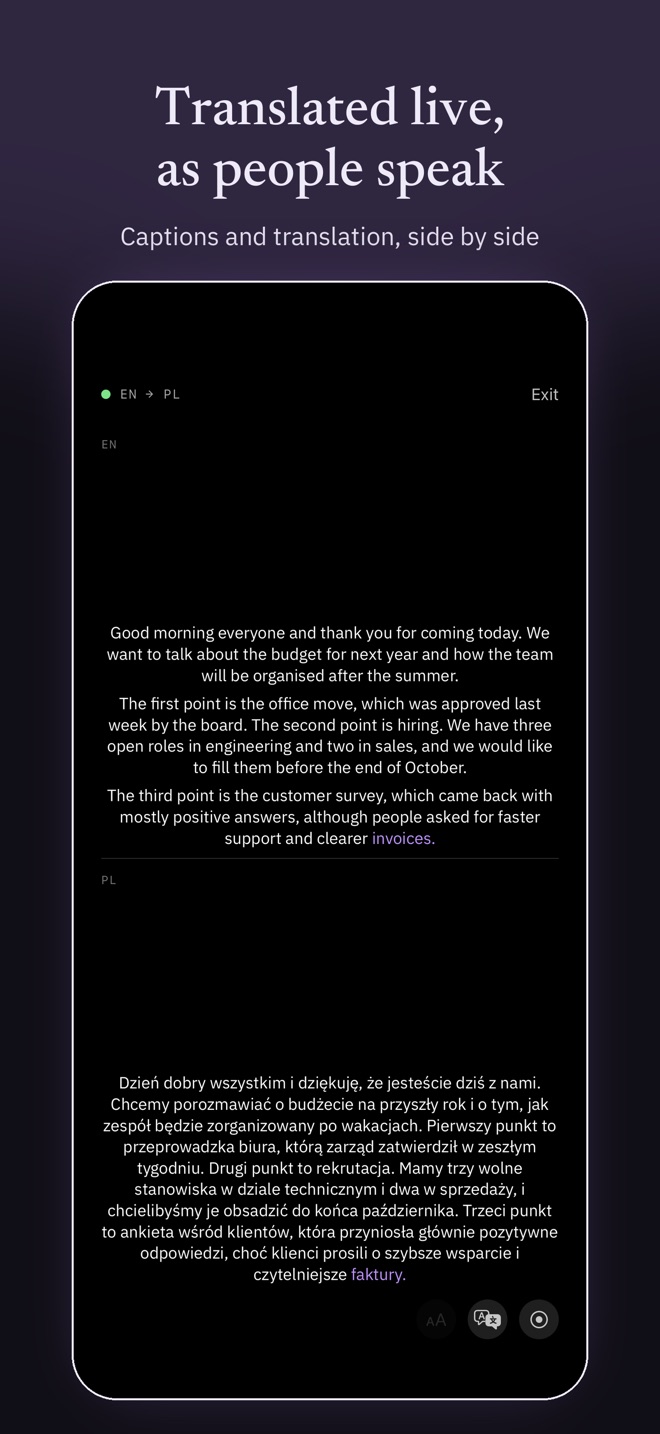
English, Polish and Macedonian, on the device.
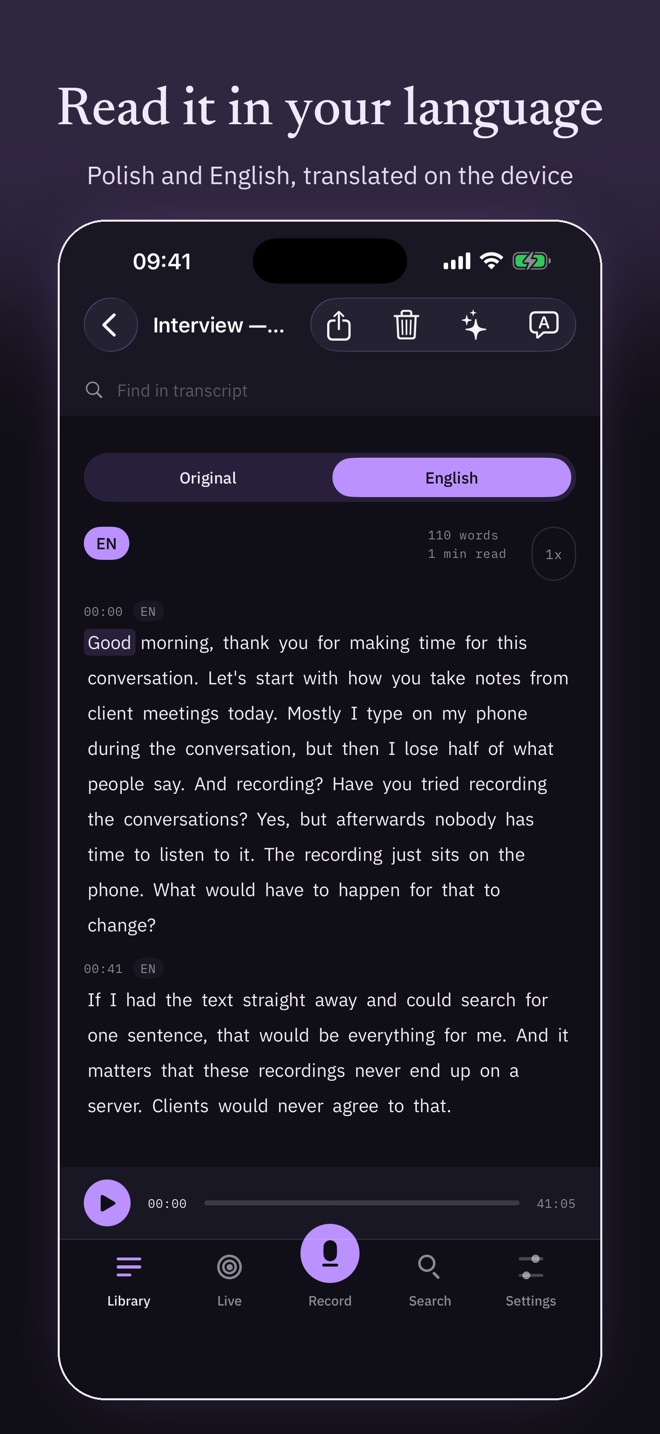
The language is detected while you talk — no menu — and one recording can switch between them. Translation runs on the device, so a transcript can be read in the language it was spoken or in another one, with the original beside it.
- Records for as long as you need, with live captions as you speak
- Detects the language while you talk — no menu, and one recording can switch languages
- Big captions and a full-screen subtitle mode for reading across a room
- Keeps recording when the screen locks; transcripts are made while Kiwaro is open
- Translates transcripts between English, Polish and Macedonian, and live between English and Polish, on the device
- Searches every word you have ever recorded, not just titles — and a word in one language finds recordings in another
- Meeting mode for a room with several people in it
- Imports audio and video you already have
- Markers you drop mid-recording and find again later
- Exports to TXT, SRT, VTT and Excel, and with Pro to Word, PDF and Markdown
- Folders, trash with 30/60/90-day restore, Face ID lock, encryption at rest
Full privacy. Your recordings stay on your phone unless you choose otherwise.
Transcription runs on the device. Translation runs on the device. The summaries, key points, chapters, action items and the ask-a-question feature run on Apple’s on-device model — no server, no API call, no prompt leaving the handset.
There is no account to create, no password to lose and no database of your recordings anywhere, because there is nowhere for one to be. The App Store privacy label reads Data Not Collected. It says that because there is nothing to declare.
You can choose to keep a copy in iCloud Drive — and if you do, those files go to your own iCloud account so you can reach them from your other devices. That is your storage under Apple’s terms, not ours, and it happens only because you picked that folder. Choose a folder on the phone instead and nothing leaves at all.
That choice is yours, it is made in plain sight, and it can be changed at any time.
Free to record. Pay when you want the limits gone.
14-day free trial. Your card is held by Apple and nothing is charged during the trial; when it ends, the plan you chose starts unless you cancel at least 24 hours before. Subscriptions are billed by the App Store and can be cancelled there at any time.
- 2 recordings a day, 30 minutes each
- On-device transcription and translation
- Search, folders and export
- Unlimited recordings and length
- AI notes: summary, key points, chapters, actions*
- Meeting mode and advanced search
- Hide or lock a recording
- Everything in Pro monthly
- Billed once a year
Poland 29,99 zł / mo · 239,99 zł / yr Euro zone 6,99 € / mo · 55,99 € / yr Prices are set per App Store region. *AI notes need an iPhone with Apple Intelligence.
No. Transcription runs on your phone and is free, within the daily limit. Pro removes the limits and adds the AI notes, meeting mode and advanced search.
All of it, once the speech model and any language packs you use are on the phone: recording, transcription, translation, search, export and the AI features all run there. After that, airplane mode changes nothing.
No. iPhone does not let any app record a call in progress. Meeting mode is the way round it: put the call on speaker and record it with a second phone or tablet running Kiwaro.
Unless you cancel at least 24 hours before it ends, the plan you chose starts and the App Store bills it. If you cancel, the app returns to Free and nothing is deleted — your recordings, transcripts and exports stay on the phone.
Something wrong, something missing, or a question about your subscription.
Write to support@kiwaro.app. We answer within 14 days, and usually a great deal sooner.
Email supportStart recording in about a minute.
Free to use, no account needed. Pro removes the daily limits and adds the AI notes.
Downloadfor iPhone